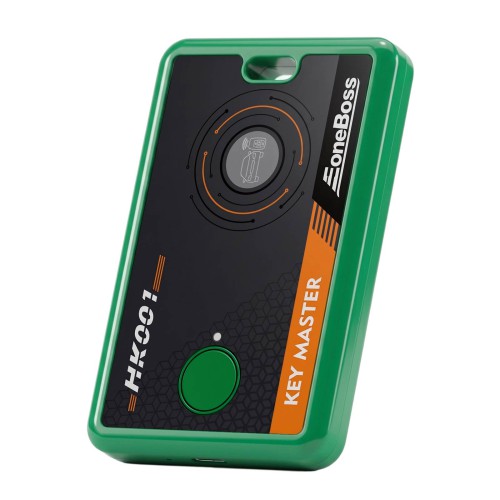
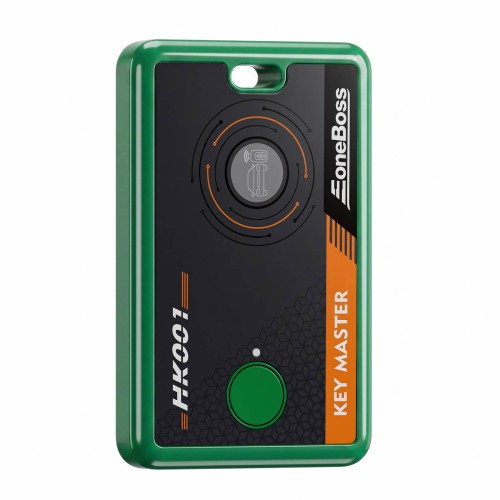
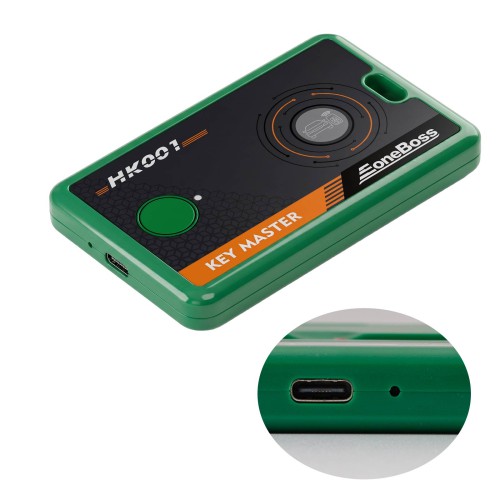
2026 New EoneBoss HK001 Key Master for Hyundai & Kia Smart Key Initialization and Cloning
The EoneBoss HK001 is a breakthrough solution for the secondary utilization of locked Hyundai/Kia smart keys. By modifying only the Part Number and Locked status, it ensures high efficiency in initialization and cloning while preserving the original key's core data integrity.
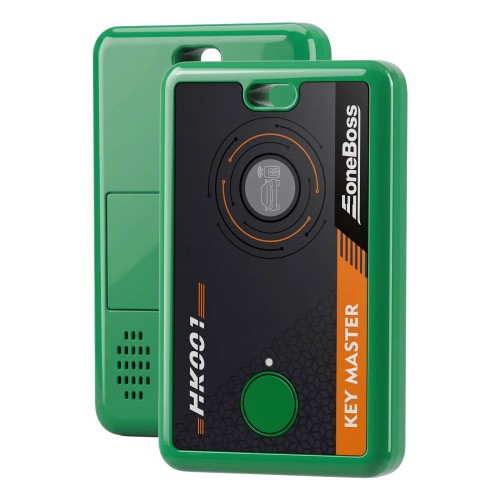
EoneBoss HK001 Key Master for Hyundai & Kia Smart Key Initialization and CloningStandard refurbishing for Hyundai/Kia locked keys typically requires a full data reset, which overwrites original data and compromises stability.EoneBoss HK001 provides a breakthrough solution:Data Protection: Modifies only key parameters while preserving the original core data.High Compatibility: Supports all OEM and Aftermarket Hyundai/Kia smart keys (29A* format starting with 95440).User-Friendly: Standardized workflow via mobile app, requiring no complex training.Core FunctionsGenerate Same Part Number Smart Key:By identifying the original vehicle's smart key part number (95440-),and then using an original or third-party key to write it in, the key can be initialized as a brand new smart key based on the part number, which allows for vehicle access and matching.Smart Key Copy :By identifying a smart key with the 95440 part number,and then using an original or third- party key to write it in. No programming matching is required; the key can be used directly.Used Smart Key Unlock:Unlock the identified 95440 smart key to a factory-new (virgin) state, making it ready for programming and matching.Customized Service:Customers with specific needs (such as research and development, production, etc.) are welcome to contact sales@eoneboss.com.Note: NCF29AG is not supported yet. Some third-party keys may have incorrect button functions.Operation ModesConnection Board Mode: Supports soldering operations for wider compatibility.Adapter Mode: Solder-free, plug-and-play operation for maximum efficiency.Operating InstructionsApp Download:Scan the QR code on the right to download and install the EoneBoss APP. Connecting HK001:· Press and hold the Power Button for 2 seconds to turn on the device (one beep).· Enable your phone's Bluetooth.· Navigate to the corresponding function interface in the App and follow the instructions.Hardware Description
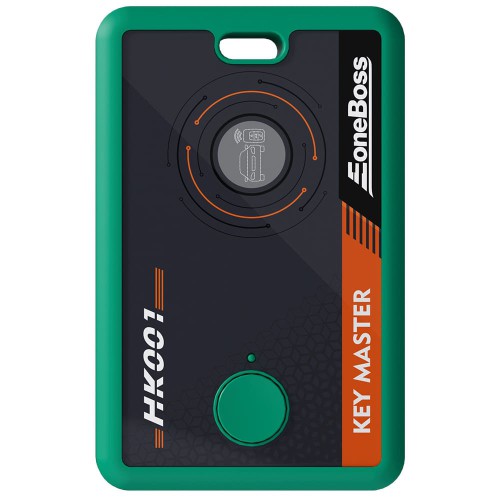
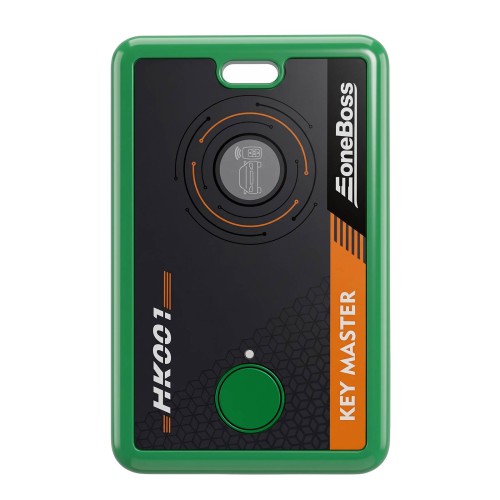
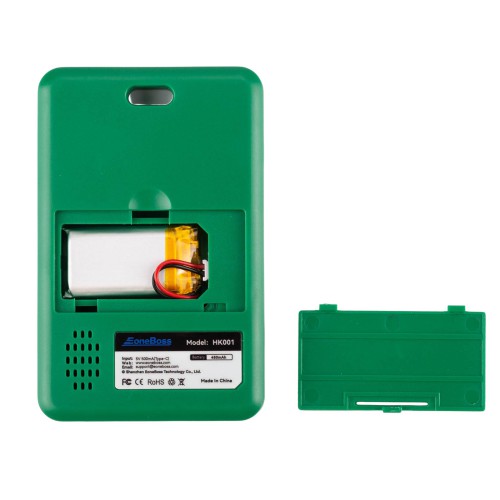
 Status Light Indicators:Green: Device function indicator light.Red: Device is currently charging.Blue: Device Bluetooth indicator light.Button Functions:· Power On/Off: Press and hold for 2s (one beep).· Forced Power Off: Press and hold for 5s (No beep).Type-C Charging Interface:Built-in 3.7V 450mAh battery; supports simultaneous charging and use (with Connection Board). External power is prioritized.Power Options:Compatible with phone chargers, computers, power banks, and standard adapters.Low Battery Warning:Beeps every 2 seconds when battery is low until automatic power off. Please recharge in time.Optional Accessories
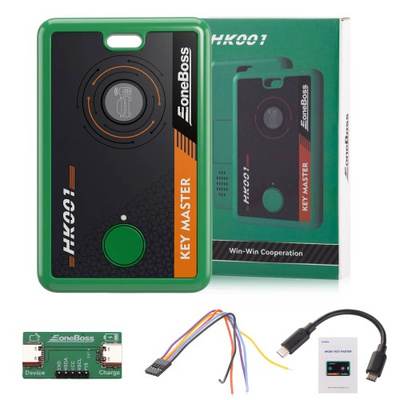
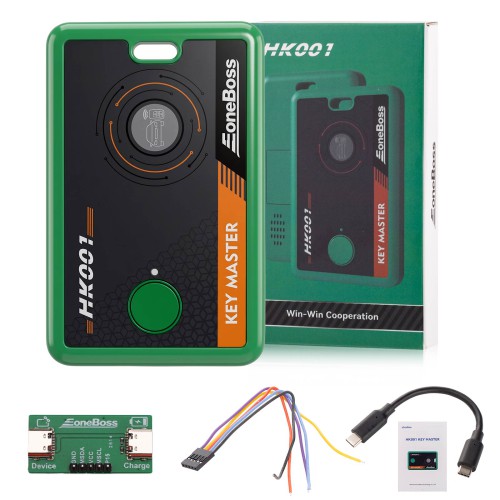
Optional Adapters Package Includes:1pc x main unit1pc x ribbon cable1pc x adapter board1pc x type-C USB cable